
Proxy Server
The proxy server is how I am able to host an indefinite amount of different things all from the same IP address. Thanks to the arcane magic lain down by the elders before me, one can make a DNS request, and when received by a certain type of server, said server is able to provide a different service based on the incoming DNS request. The proxy server I use is creatively called Nginx Proxy Manager, or NPM. This also allows me to use LetsEncrypt to create valid HTTPS certs and ideally auto renew them. The only major services I have that get their own VM and IP are Drive and Mail, so they don't go through this proxy. The proxy is also the only container with ports directly exposed to the internet, everything else is routed internally on the VM. As of the writing of this sentence, there are 56 different ports exposed internally from my different containers.
Home page items for NPM
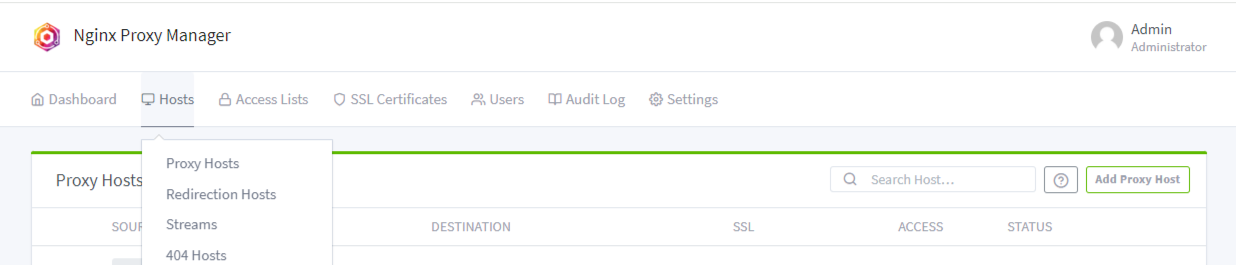
Sample NPM config entry

Docker compose config
docker-compose.yaml
services:
  nginx-proxy:
    image: jc21/nginx-proxy-manager:latest
    container_name: nginx-proxy
    restart: always
    ports:
        # port 80 & 443 need to be bound on the IP where the firewall will point to
      - "80:80"
      - "443:443"
        # port 81 is the web dashboard for NPM, you can proxy this using itself
      - "81:81"
    volumes:
      - ./npm_data:/data
      - ./npm_letsencrypt:/etc/letsencrypt
    network_mode: bridge
No comments to display
No comments to display