
The Matt-Cloud Way
Introduction
This is effectively a copy of the Jenkins and Ansible article under The Nerdy Stuff. This provides an overview of how I have things set up in Matt-Cloud before getting into the specifics.
Jenkins Process
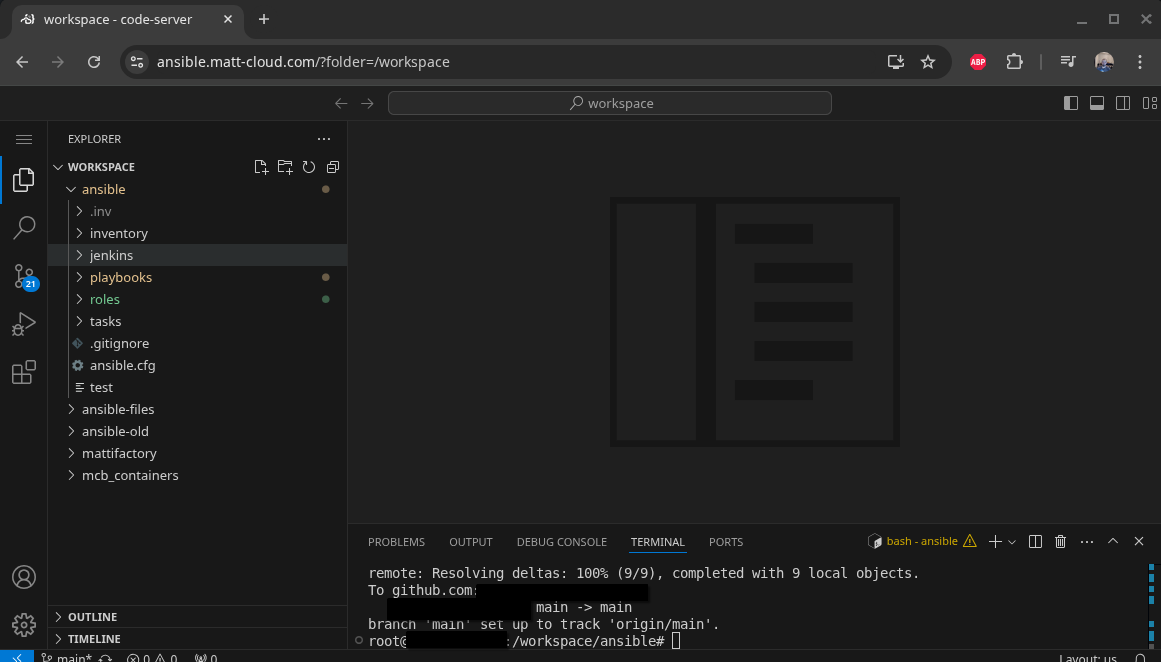
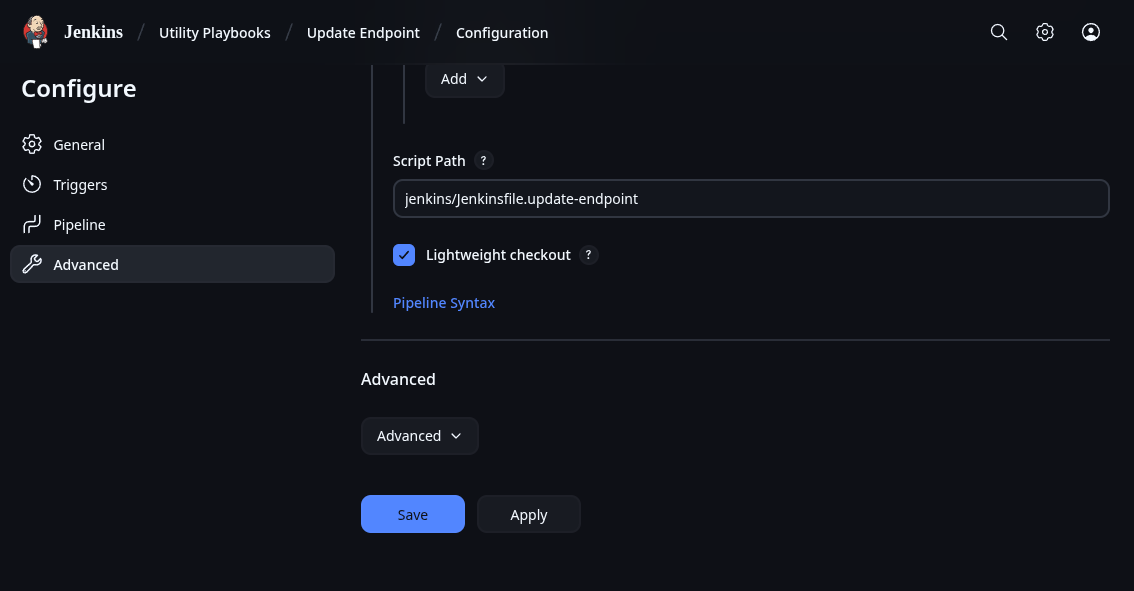
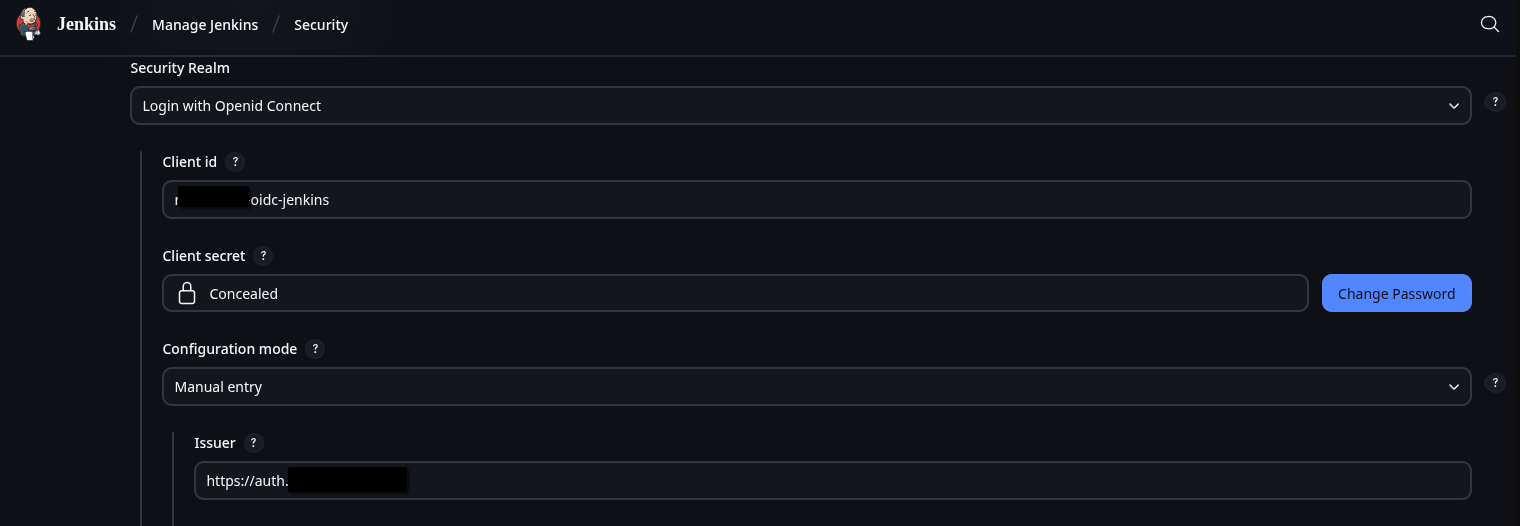
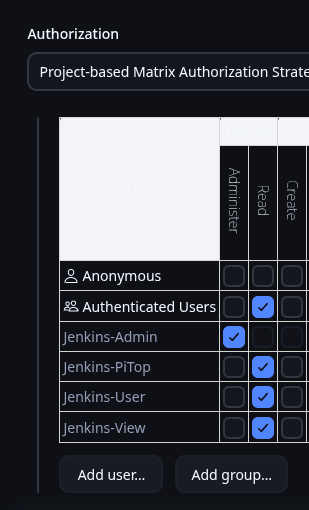
On my own Jenkins instance I use Github to sync my Pipelines with jenkinsfiles on my server, along with LDAP and OIDC for authentication which is way more complicated than a default Jenkins setup. You might have access; you can check your group membership at the Matt-Cloud Group page. Along with that, I use an open-source project to host all my pipelines and playbooks in a website, which itself is hosted behind my SSO. This is not something anyone but me has access to due to how insecure the access is. It is full write access to all files without any knowledge of the connected user. It works by effectively hosting files that live on a Linux system in the browser. I have that running in a docker container, with the paths of the ansible playbooks and jenkins pipelines in it so they can all be viewed and edited in the browser. I also have my code-server container customized so I can sync my github from the built-in terminal in the browser. Github lets me easily sync the Jenkinsfiles between the filesystem and Jenkins itself. Jenkins itself is configured in the browser, so the Docker settings for Jenkins are only a dozen lines or so of mostly volumes. Here are some screenshots of my stuff
Ansible/Jenkins Code Server
Jenkins Home Page

Sample Pipeline Config
Some OIDC Config and Security Settings
Let me start with my own Jenkins. I have recently shared my jenkinsfiles on my Gitea instance. To show how this works I will use the update-endpoint pipeline I have as an example. Most of my pipelines have the same stages of Generate Inventory File, Ansible Playbook, and Remove Inventory File. Once you have Jenkins up and running, and have stored your needed keys, you should be ready to run Ansible. The biggest thing is to make sure the SSH key is accessible. I will include the code for a dynamic inventory file generator here. This makes it obvious how Ansible authenticates. Since the inventory file is intended to be an inventory, it can be used to run the same playbook on multiple hosts.
Inventory File Generation
inventory.sh
#!/bin/bash

# Dynamic inventory generation script ansible

# Function to display usage
usage() {
    echo "Usage: $0 -i IP_LIST -u JENKINS_USER -g JENKINS_GROUP [-a SERVER_SUBNET_GROUP] [-s] [-v] [-e]"
    echo "Options:"
    echo "  -i IP_LIST                  Comma-separated list of IPs. Will not fail if blank, but why 0_o"
    echo "  -u JENKINS_USER             Jenkins user"
    echo "  -g JENKINS_GROUP            Jenkins primary group"
    echo "  -a SERVER_SUBNET_GROUP      Jenkins group for SSH access, need to pass something when called"
    echo "  -q                          Be quieter"
    echo "  -s                          Set variable to true if more than one IP is passed"
    echo "  -v                          Display Ansible Version"
    exit 1
}

# Initialize variables with default values
skip=false
more_than_one=false
display_version=false
allsubnet_group=missing
be_quiet=false

# Parse command line options
while getopts ":i:u:g:a:svq" opt; do
  case ${opt} in
    i ) # process option i
        IP_LIST=$OPTARG
        ;;
    u ) # process option u
        JENKINS_USER=$OPTARG
        ;;
    g ) # process option g
        JENKINS_GROUP=$OPTARG
        ;;
    s ) # process option s
        skip=true
        ;;
    v ) # process option v
        display_version=true
        ;;
    q ) # process option q
        be_quiet=true
        ;;
    a ) # process option a
        allsubnet_group=$OPTARG
        ;;
    \? ) usage
        ;;
  esac
done
shift $((OPTIND -1))
# Check if all required options are provided
if [ -z "$JENKINS_USER" ] || [ -z "$JENKINS_GROUP" ]; then
    usage
fi

if $display_version; then
    if ! $be_quiet; then
        echo "Showing ansible version"
        ansible --version
    fi
fi

# Generate an 8-character hash from the IP list
hash=$(echo -n "$IP_LIST" | md5sum | cut -c 1-8)

if ! $be_quiet; then
    echo "IP List:"
    echo $IP_LIST
    echo $hash
fi


# Define the inventory file path with the hash
inventory_file="/var/jenkins_home/ansible/.inv/inventory-$hash.yml"

if $skip; then
    IFS=',' read -ra IPS <<< "$IP_LIST"
    if [ ${#IPS[@]} -gt 1 ]; then
        more_than_one=true
    fi
fi

if $skip; then
    if ! $be_quiet; then
        echo "Single host option set"
    fi
    if $more_than_one; then
        if ! $be_quiet; then
            echo "IP list provided, inventory will be emptied"
        fi
        IP_LIST=""
    fi
fi

# Initialize the YAML inventory content
inventory_content="---
all:
  hosts:
"

# Loop through each IP in the comma-separated list
IFS=',' read -ra IPS <<< "$IP_LIST"
for IP in "${IPS[@]}"; do
    ip_check=$(curl -s http://172.25.100.15:15010/ip_check?ip=${IP} | jq .in_subnets)
    # if this is a restricted subnet, then check the group
    if $ip_check; then
        if ! $be_quiet; then
            echo "Subnet restricted, checking group membership"
        fi
        if [ "$allsubnet_group" == "$SERVER_SUBNET_GROUP" ]; then
            if ! $be_quiet; then
                echo "IP Check Passed, adding endpoint ${IP} to inventory"
            fi
            inventory_content+="    ${IP}:
      ansible_host: ${IP}

"
        else
            if ! $be_quiet; then
                echo "Warning: User ${JENKINS_USER} not member of ${SERVER_SUBNET_GROUP}!"
                echo "Auth Check Failed for endpoint ${IP}, not adding to inventory"
            fi
        fi
    # if the subnet is not restricted, just add the endpoint to the inventory
    else
        if ! $be_quiet; then
            echo "Unrestricted subnet, adding endpoint ${IP} to inventory"
        fi
        inventory_content+="    ${IP}:
      ansible_host: ${IP}
"
    fi
done

inventory_content+="  vars:
    ansible_connection: ssh
    ansible_ssh_private_key_file: /var/jenkins_home/jenkins_key
    ansible_python_interpreter: /usr/bin/python3
    jenkins_user: '${JENKINS_USER}'
    jenkins_group: '${JENKINS_GROUP}'
    subnet_group_check: '${allsubnet_group}'
    SERVER_SUBNET_GROUP: '${SERVER_SUBNET_GROUP}'
"

# Write the inventory content to the file
echo "$inventory_content" > $inventory_file

# echo inventory
if ! $be_quiet; then
    echo "Inventory file created at $inventory_file with the following content:"
    cat $inventory_file
fi
This script outputs something like this depending on the flags that are set. This screenshot is also from an older version of the inventory script.
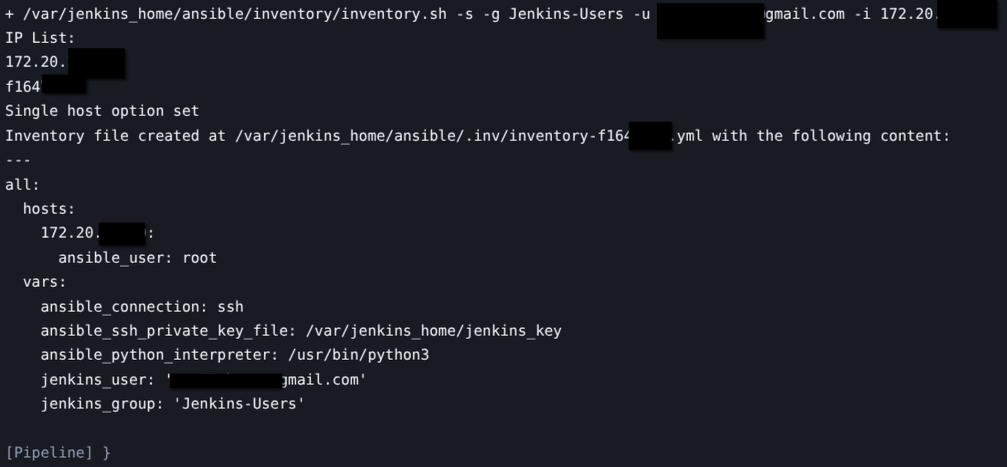
After generating the inventory file, Ansible can just be ran by calling the playbook for the inventory. When you pick apart the Jenkinsfiles, the critical portion is this bit.
ansible-playbook -i \$inventory_file \/var/jenkins_home/ansible/playbooks/update-endpoint.yaml --ssh-common-args='-o StrictHostKeyChecking=no'
No comments to display
No comments to display