
Two-Factor Codes
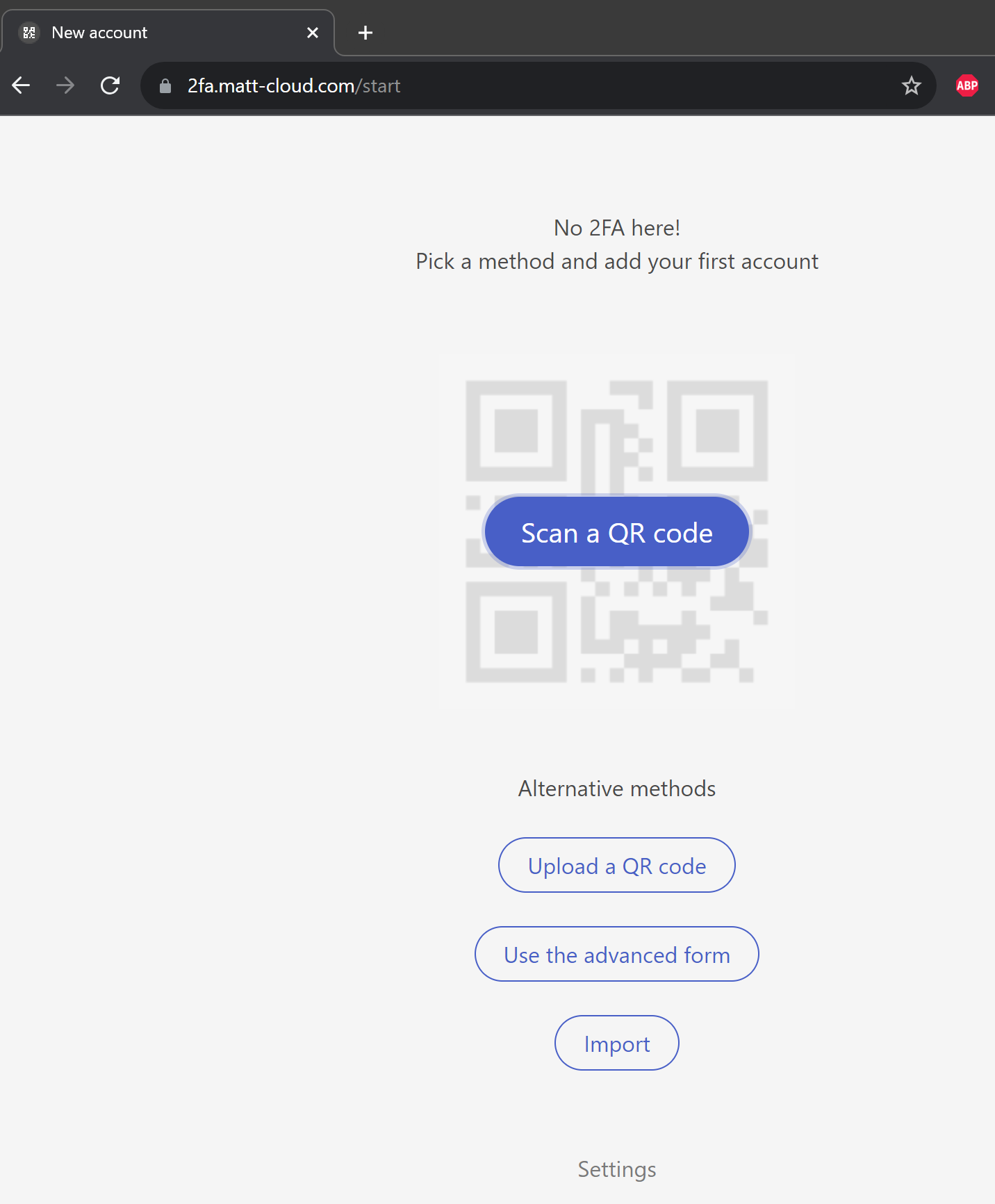
I set up a page for myself to have easier access to my 2FA codes. I later realized I could easily set it up for use for anyone to use this service with Matt-Cloud, so I did so. This is like a Google Authenticator dashboard you can view in the web that is linked to your Matt-Cloud account. When you first visit the page, you will see it is a blank page ready and waiting for some 2FA codes. It can scan QR Codes just like googleGoogle authenticatorAuthenticator using your phone or computer's webcam. It is also capable of importing all your Google Authenticator codes using the QR Export feature the phone app has. Due to how easy it would be to cheat with this otherwise, I do have this protected by 2FA. I have extremely generous policies configured for the SSO though, so once you've entered your second factor once in a browser, it will probably stay logged in for a while.
Here is what the default screen looks like.
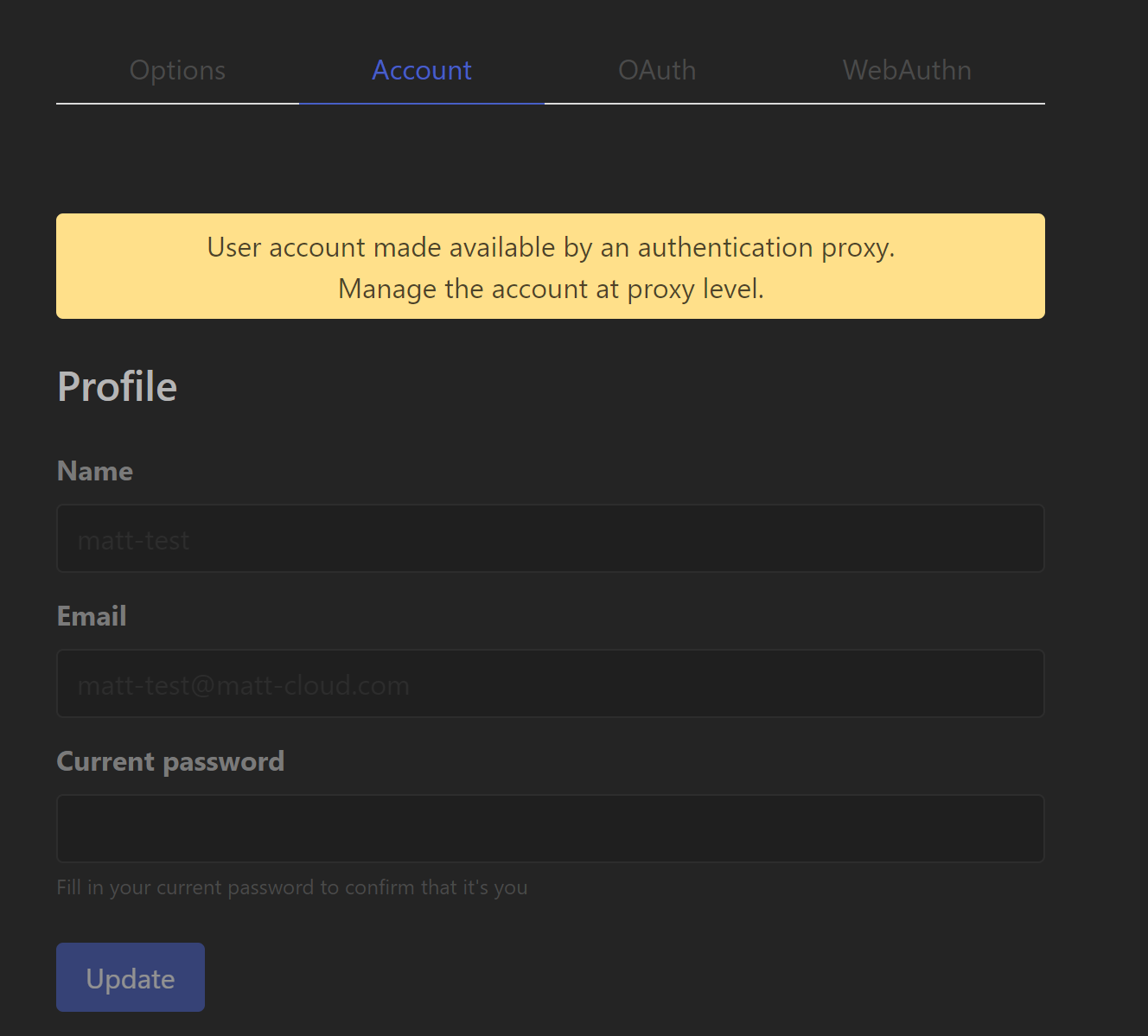
After enabling dark mode, here in settings shows the app is linked with your Matt-Cloud account.
Once you start adding accounts here, they can be listed in either a grid or a list. It will also try and pull icons for services automatically, and you can customize that beyond. This is a pretty nice service, and I've been using it rather frequently. Since it is still behind an initial 2FA I don't feel like I'm cheating, and so neither should you if you want.